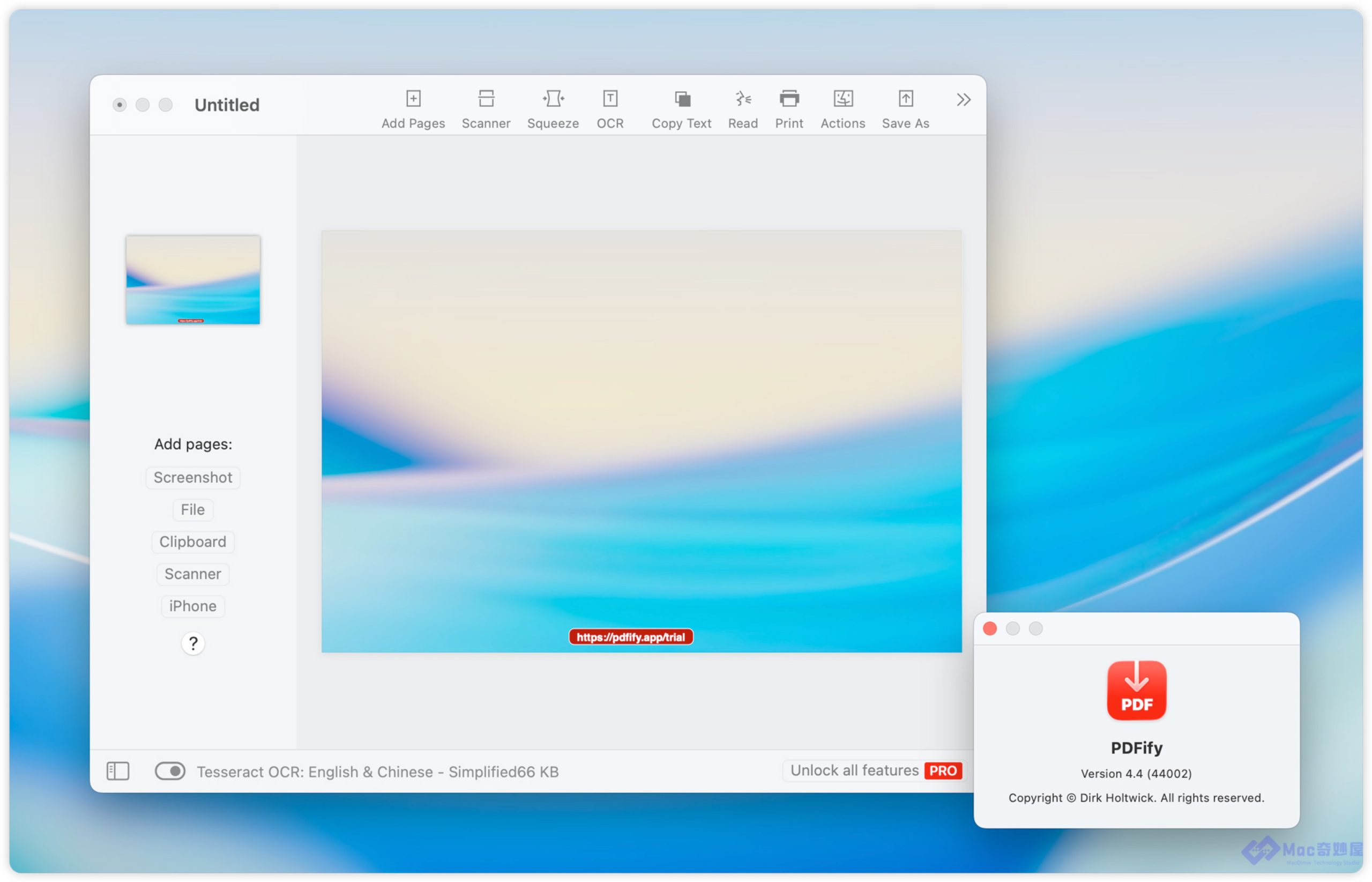
PDFify for Mac is a powerful yet easy-to-use PDF management tool that helps you handle everyday PDF tasks quickly and efficiently. Whether you want to convert scanned documents into searchable PDFs using OCR, compress large files for easy sharing, merge multiple PDFs into one, or organize pages, PDFify provides a streamlined solution for macOS users.
Designed to work seamlessly on both Intel and Apple Silicon Macs, PDFify delivers reliable performance without unnecessary complexity. If you’re looking for a lightweight PDF application that focuses on speed, accuracy, and ease of use, PDFify is a solid choice. Its intuitive interface and fast performance make it suitable for students, professionals, educators, and businesses alike.
Features
- Convert scanned documents into searchable PDFs with OCR.
- Compress PDF files without significant quality loss.
- Merge multiple PDF files into a single document.
- Split large PDFs into smaller files.
- Convert images (JPG, PNG, TIFF) into PDF format.
- Rearrange, rotate, and delete PDF pages.
- Extract selected pages from PDF documents.
- Password-protect sensitive PDF files.
- Fast processing optimized for macOS.
- Compatible with both Intel and Apple Silicon processors.
- Clean and beginner-friendly user interface.
- Quick drag-and-drop file support.
What’s New
The latest version of PDFify introduces several improvements, including:
- Enhanced OCR accuracy for better text recognition.
- Faster PDF compression with improved output quality.
- Improved compatibility with the latest macOS releases.
- Better performance when handling large PDF files.
- Stability improvements and bug fixes.
- Minor interface refinements for a smoother user experience.
Best Alternatives
If you’re exploring other PDF tools for Mac, here are some excellent alternatives:
- Adobe Acrobat Pro
- PDF Expert
- PDFelement Pro
- UPDF
- Nitro PDF Pro
- Foxit PDF Editor
- PDFgear
- PDFsam Basic
Pros and Cons
Pros
- Simple and intuitive interface
- Fast PDF processing speed
- Reliable OCR functionality
- Supports compression, merging, and splitting
- Lightweight application
- Optimized for Apple Silicon Macs
- Easy installation and setup
Cons
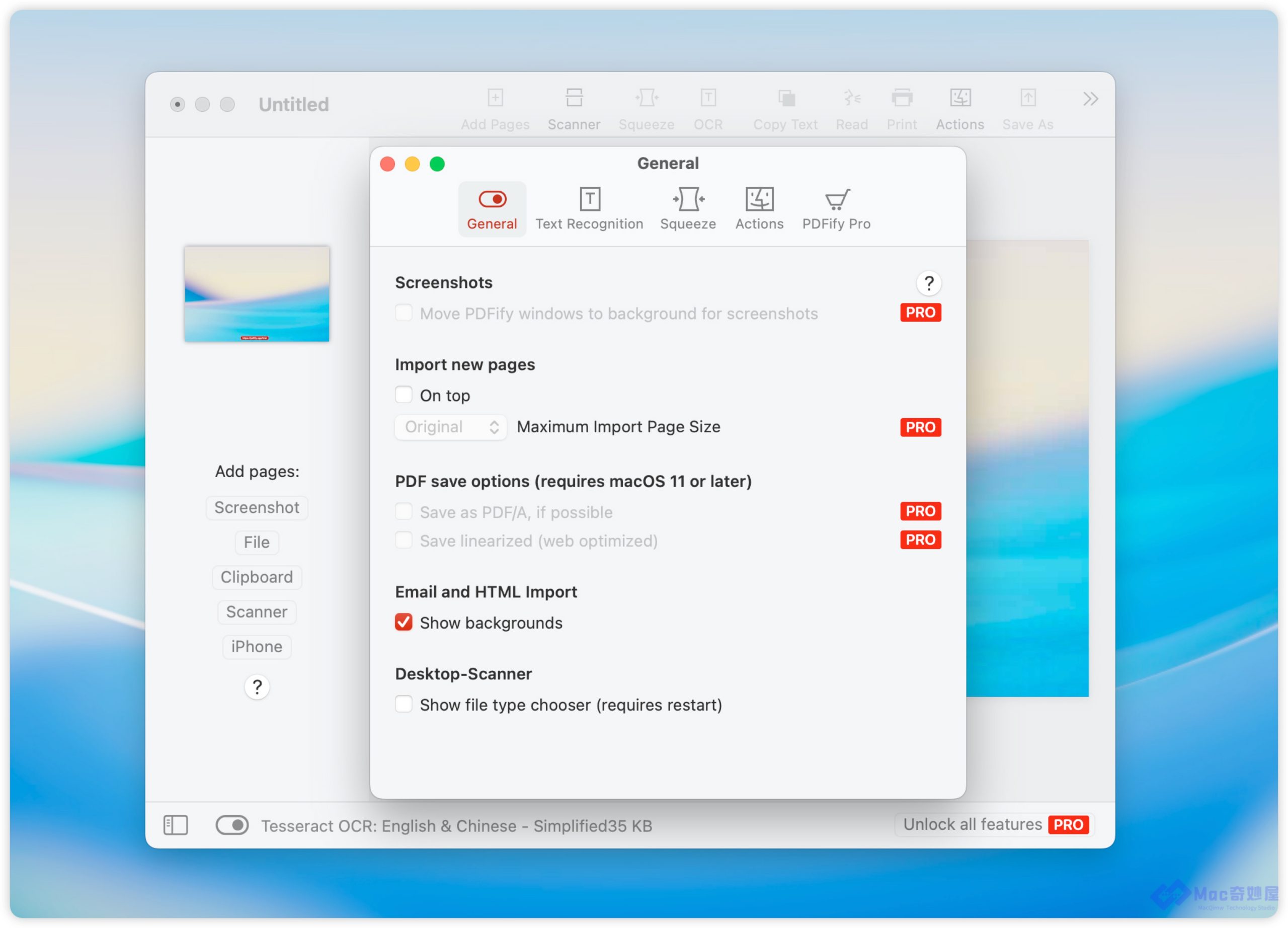
- Advanced editing features are limited compared to premium PDF editors.
- Some features may require a paid license.
- Fewer collaboration tools than enterprise PDF solutions.
System Requirements
- Operating System: macOS 11 Big Sur or later
- Processor: Intel or Apple Silicon (M1, M2, M3, or later)
- RAM: 4 GB minimum (8 GB recommended)
- Storage: At least 200 MB of free disk space
- Internet Connection: Required for activation and updates
How to Install
- Download the latest version of PDFify for Mac.
- Open the downloaded DMG file.
- Drag the PDFify icon into the Applications folder.
- Launch the app from the Applications folder.
- If macOS displays a security prompt, allow the application in System Settings > Privacy & Security.
- Sign in or activate your license if required.
- Start creating, editing, compressing, and managing your PDF documents.
Download PDFify for macOS

FAQs
1. Is PDFify available for Mac?
Yes. PDFify is designed for macOS and supports both Intel and Apple Silicon Macs.
2. Can PDFify convert scanned documents into searchable PDFs?
Yes. It includes OCR technology that recognizes text in scanned documents and makes them searchable.
3. Does PDFify support PDF compression?
Yes. You can compress PDF files to reduce their size while preserving document quality.
4. Is PDFify suitable for beginners?
Absolutely. Its clean interface and straightforward tools make it easy for beginners, while offering enough functionality for professional users.